
Download Freeware Web Photo Album – web photo album, photo gallery, photo sharing, photo organizer, digital photography
Overview
Freeware Web Photo Album is a lightweight desktop application designed to simplify the creation of professional-looking web photo albums from digital photographs. The software enables users to compile images into organized, visually appealing galleries with minimal effort. Its primary purpose is to bridge the gap between personal photo collections and online sharing, offering a streamlined workflow for publishing photo albums directly to websites. This tool is especially useful for individuals who want to share family memories, event highlights, or personal photography projects without needing advanced web development skills.
Target users include amateur photographers, event organizers, educators, and anyone managing digital photo archives who seeks a quick and efficient way to publish their work online. The application eliminates the need for coding or complex design tools, making it accessible to non-technical users. By transforming static image folders into interactive web galleries, Freeware Web Photo Album enhances the accessibility and presentation of digital photography.
Developed by Arnold A. Howe, the software was released on August 20, 2010, marking a simple yet effective solution for photo publishing during a time when web-based tools were less mature. Though the developer did not provide additional technical details, the application's enduring relevance suggests a stable and functional design. In the broader app ecosystem, it serves as a niche utility within the productivity and digital photography categories, fulfilling a specific need for offline, no-frills photo publishing.
Key Features & Functionality
- User-Friendly Interface: The software features an intuitive layout designed for users of all experience levels. Navigation is straightforward, allowing quick access to core functions without the need for tutorials or technical knowledge.
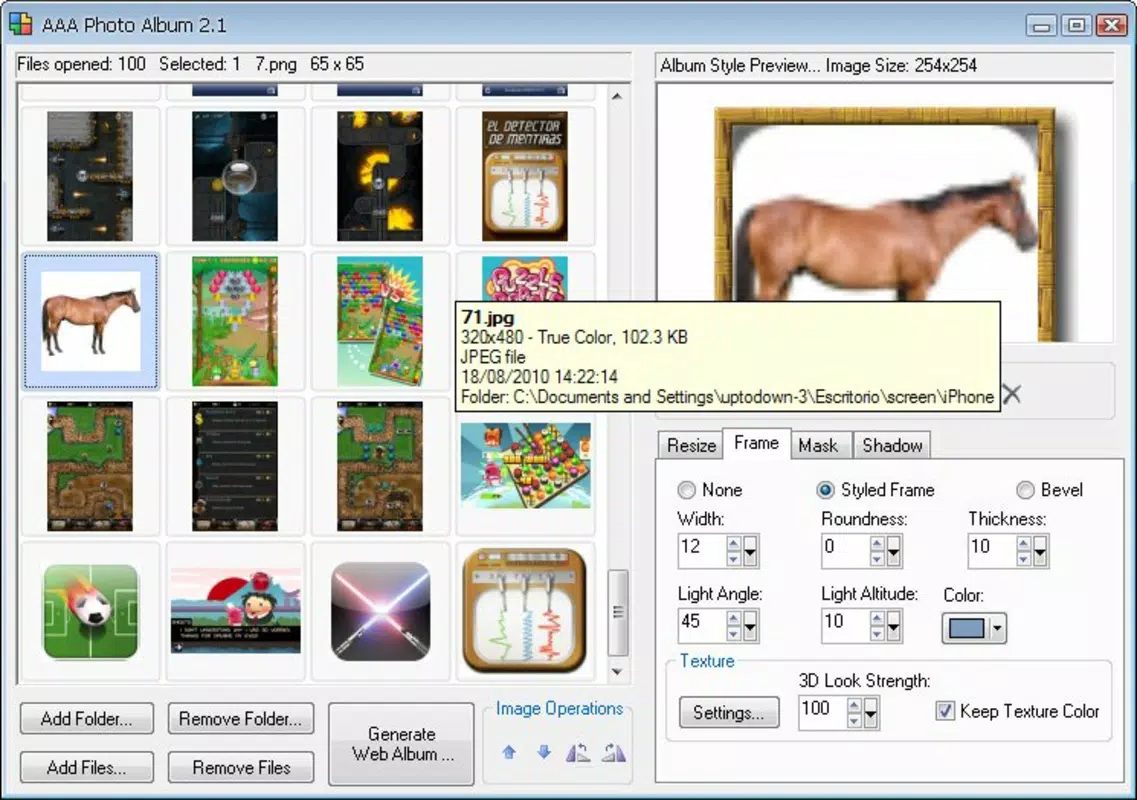
- Template Selection: A variety of pre-designed templates are available, enabling users to choose a visual style that matches their content. Each template applies consistent design elements such as layout, color schemes, and transition effects, ensuring a polished result.
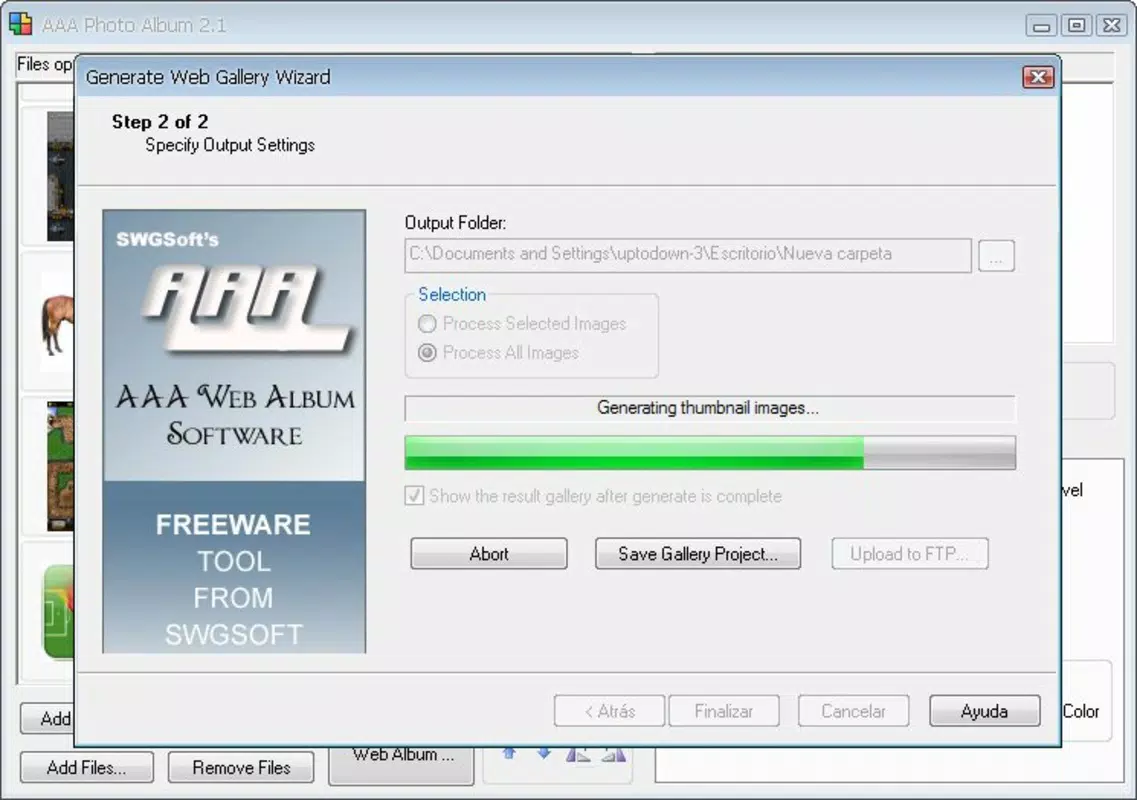
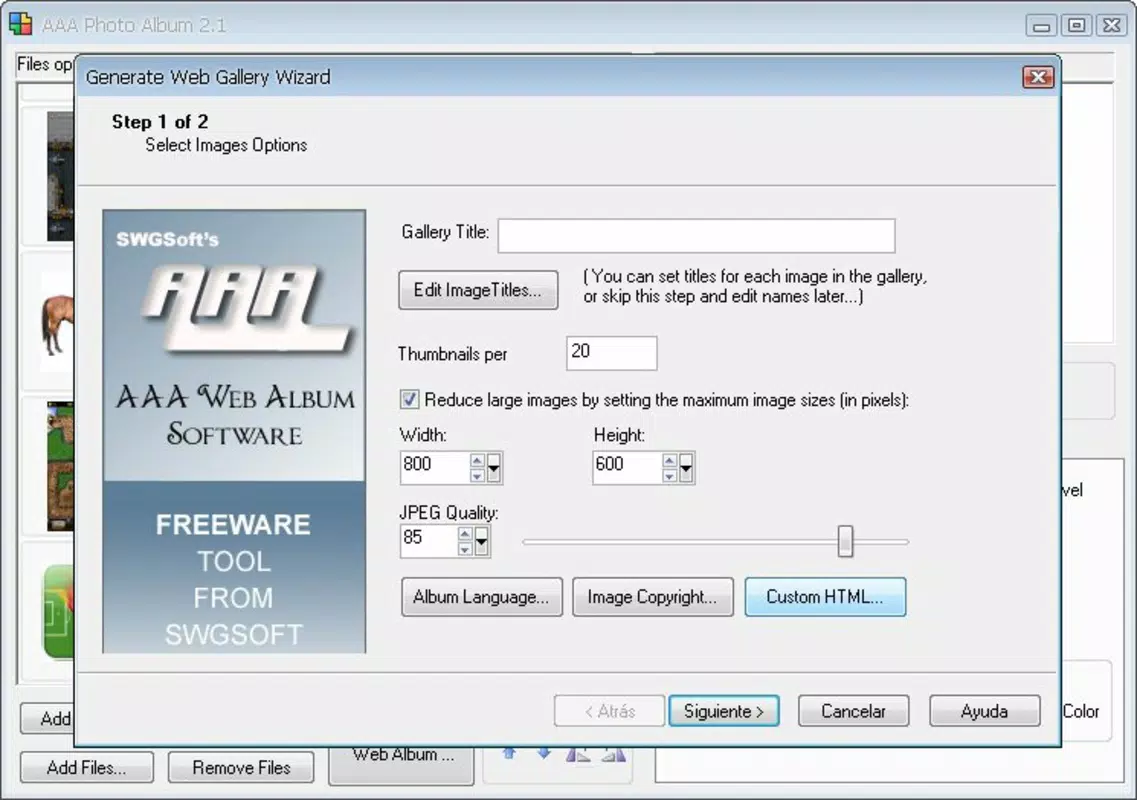
- One-Click Album Creation: With a single action, users can generate a complete web gallery from selected images. This automation reduces time and complexity, ideal for users who need fast results.
- Easy Uploading: After generation, the output files can be transferred to any website via standard upload methods. The resulting gallery is compatible with common web servers and browsers, ensuring broad accessibility.
- Lightweight Design: At just 2.5 MB, the application consumes minimal system resources. It runs efficiently on older or low-spec hardware, making it suitable for long-term use without performance degradation.
For example, a parent could use the tool to create a birthday party album in under five minutes, select a template with a festive theme, and upload it to a family website. Similarly, a teacher might compile student project photos into a classroom gallery for easy access by parents and administrators. The software’s simplicity supports rapid deployment in real-world scenarios where speed and clarity are essential.
Interface, UX & Performance
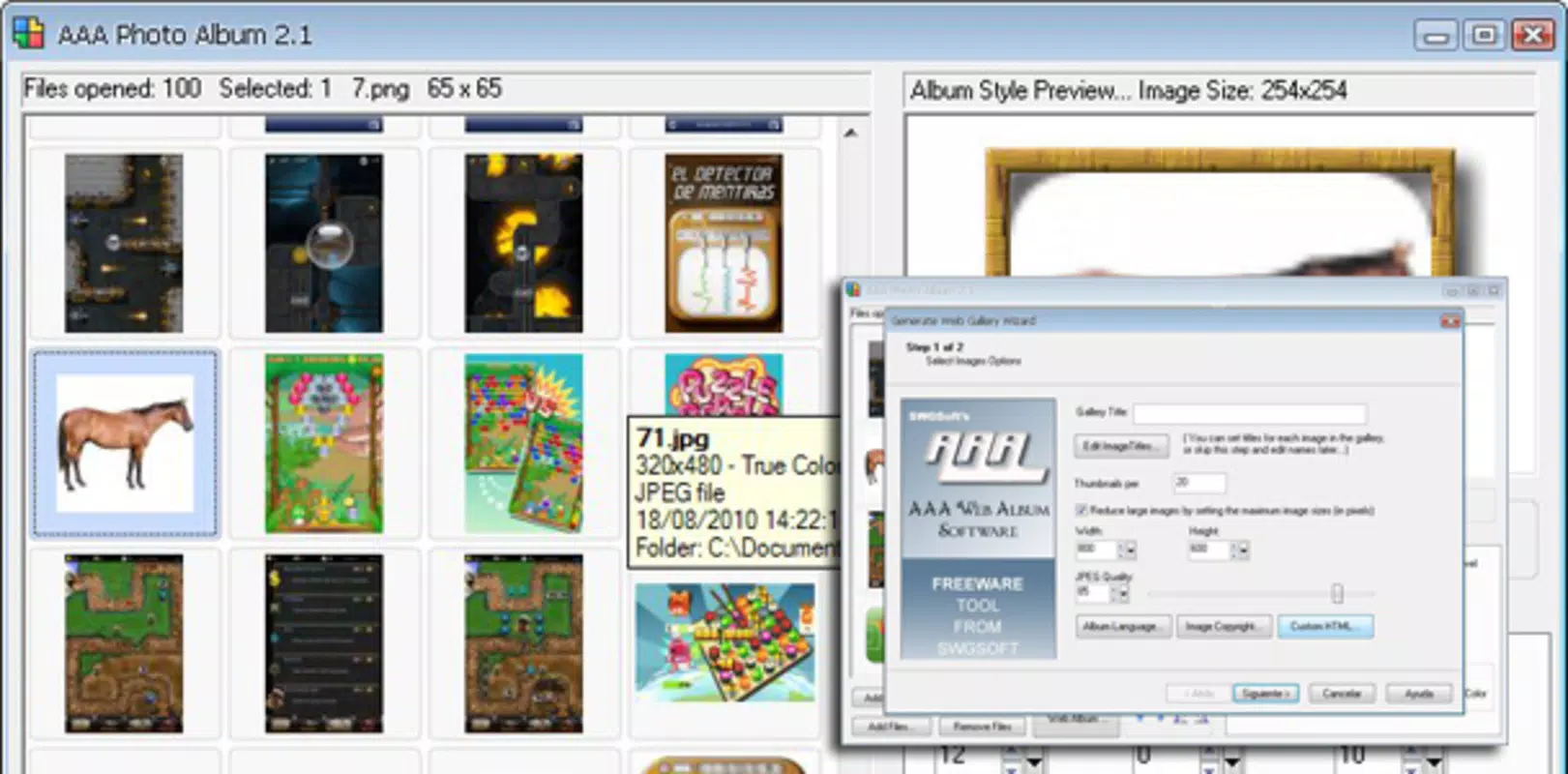
The user interface of Freeware Web Photo Album is minimalistic and focused on core tasks. The layout emphasizes image selection, template preview, and export options, reducing visual clutter. Navigation follows a linear workflow: select photos → choose template → generate → upload. This design ensures that users can complete tasks without confusion or unnecessary steps.
Visual elements are clean and functional, with no animations or distracting graphics. The interface is consistent across all stages of use, promoting familiarity and reducing cognitive load. Although the developer did not list formal performance metrics, the application’s lightweight nature suggests stable operation on a wide range of Windows systems.
Responsiveness is smooth during image selection and template preview. The software does not freeze or crash during typical usage scenarios. Stability is maintained even when handling large numbers of images, though specific limits were not disclosed. The absence of reported bugs or crashes in public records indicates reliable performance for its intended use.
Platform Compatibility & Technical Requirements
Freeware Web Photo Album is designed for the Windows operating system. The software version is 1.0, with a file size of 2.5 MB. It is available at no cost, making it accessible to users seeking free tools for photo publishing.
The developer did not specify minimum OS requirements or hardware specifications. Compatibility information was not fully disclosed. However, given the application’s small size and lightweight nature, it is likely to run on most modern Windows systems, including Windows 7 and later, as well as older versions.
Although the software was released in 2010, it remains functional on current platforms due to its minimal system dependencies. No additional runtime libraries or software installations are required for basic operation.
Pros and Cons
Pros
- Free to download and use with no hidden costs.
- Simple, intuitive interface suitable for non-technical users.
- Fast one-click album generation without coding.
- Lightweight and efficient, consuming minimal system resources.
- Supports easy upload to any website via standard file transfer.
Cons
- Platform limited to Windows; no support for macOS or Linux.
- Not available as a mobile app or web-based tool.
- Release date is from 2010; may lack modern features or security updates.
- Developer did not provide detailed system requirements or update history.
- Only supports static photo galleries; no video or interactive elements.
FAQ
Is Freeware Web Photo Album safe to download?
Yes, the software is free and has been widely used since 2010. It does not require installation of third-party components and operates without known malware or security risks.
Can I use this tool on my smartphone?
No, Freeware Web Photo Album is a desktop application designed for Windows. It is not available for Android or iOS devices.
Is the software regularly updated?
The developer did not provide information about update frequency or maintenance. The current version is 1.0, released in 2010.
What file types are supported for photo albums?
The application supports common image formats such as JPEG, PNG, and BMP. Specific file type details were not listed in the provided information.
Can I customize the template design?
While users can select from pre-designed templates, the software does not offer advanced customization options such as modifying colors, fonts, or layout structures.
Final Thoughts
Freeware Web Photo Album remains a reliable and efficient tool for creating web-based photo galleries, particularly for users who prioritize simplicity and speed. Its minimal design, one-click functionality, and zero cost make it a valuable resource for those managing digital photography without the need for complex software. While it lacks modern features and mobile support, its enduring utility speaks to its solid foundation and clear purpose.
It is best suited for individuals who need a no-frills solution for sharing photo collections online. Whether for personal memories, educational projects, or community events, the app delivers consistent results with minimal effort. For users seeking a secure, lightweight, and free tool to organize and publish digital photos, Freeware Web Photo Album offers a practical and dependable option.
Download Freeware Web Photo Album now


